
Organizations
A collective of players, a village to build, and bonuses paid for in resources poured in together.
In short
An organization is a group of players building a shared village. That village produces nothing on its own: it multiplies what its members already do separately.
An organization is created, invited into, and ranked. six ranks share the rights, from the member who pours in to the leader who decides, and each rank opens a bit more of the command. The village it builds holds seven buildings.
Each building climbs through levels, up to five for the deepest ones, and every level crossed unlocks one more bonus. The whole village carries nineteen bonuses, for a combined cap of 1 249 points.
A bonus is never bought, it is filled. Its value follows 3 × (paid in ÷ threshold) to the power 0,4, with diminishing returns: over only five steps, a chapel gauge asks for 44.7G of resources to come out full.
Volume is not the only constraint. five buildings carry bonuses, and each accepts only a closed list of resources, capped per resource: a single ore poured in bulk never fills the whole gauge, it takes several hands and several trades.
The village island
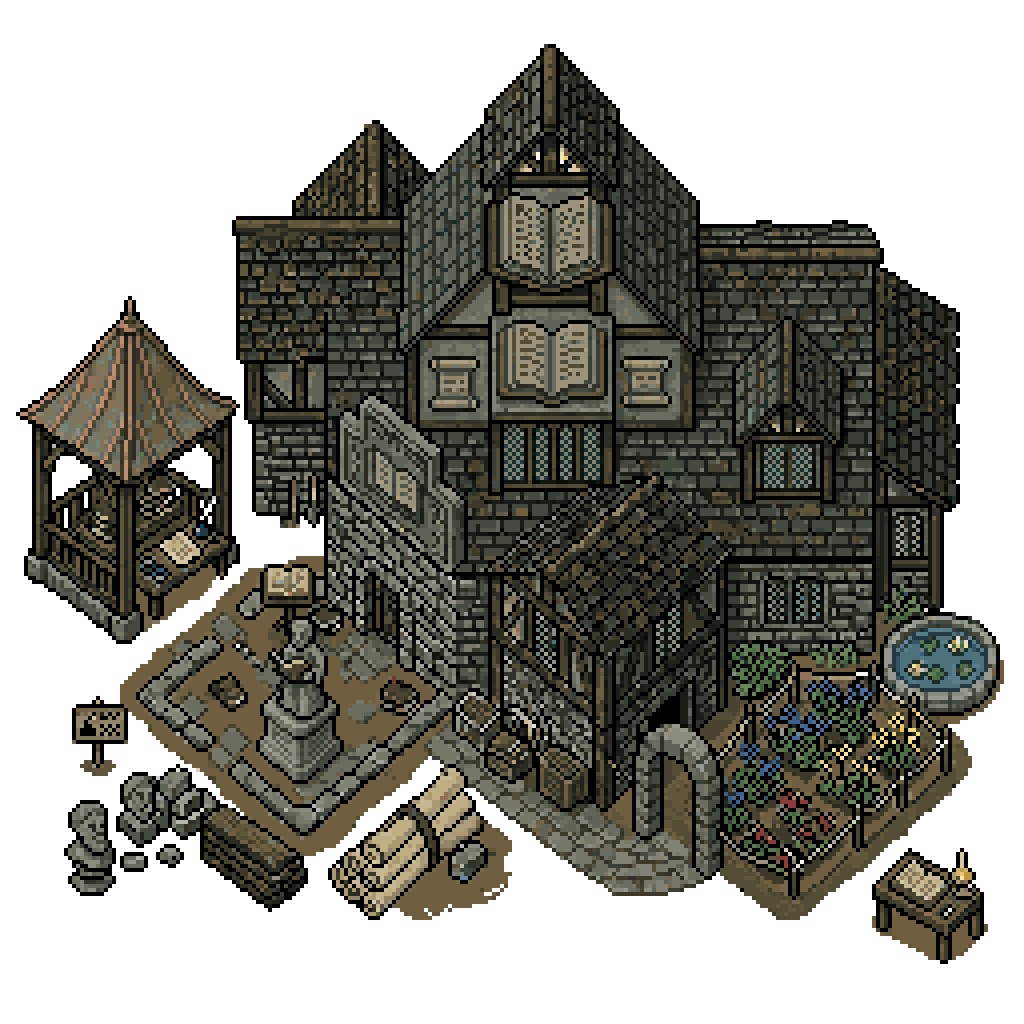
The village has a surface: an island everyone sees, where the seven buildings are placed, looked at and raised. It is not scenery, it is the village's control screen.
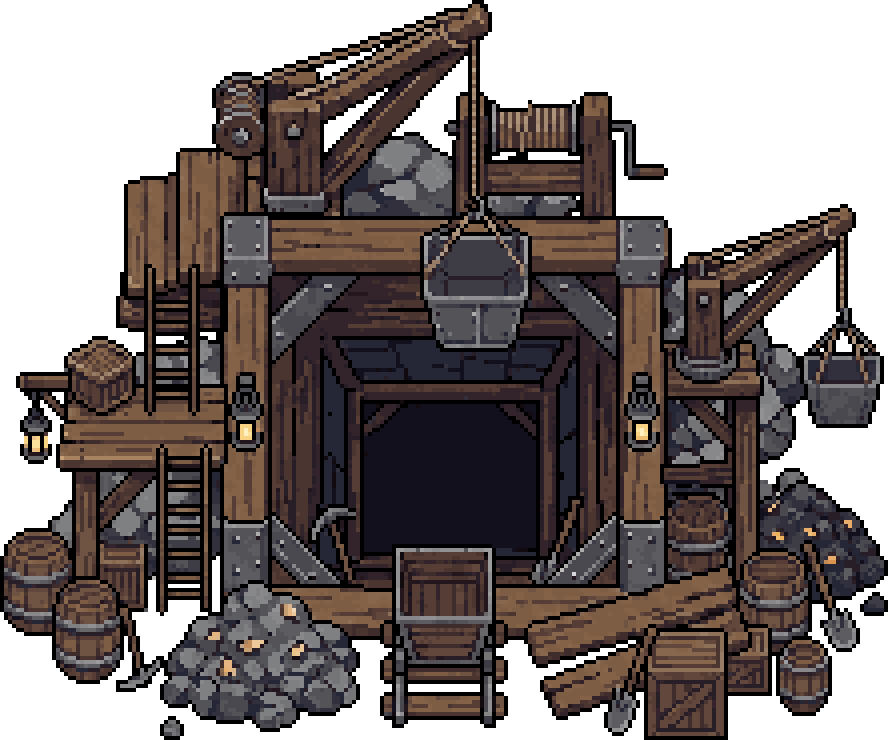 The mine 3
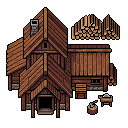 The sawmill 3
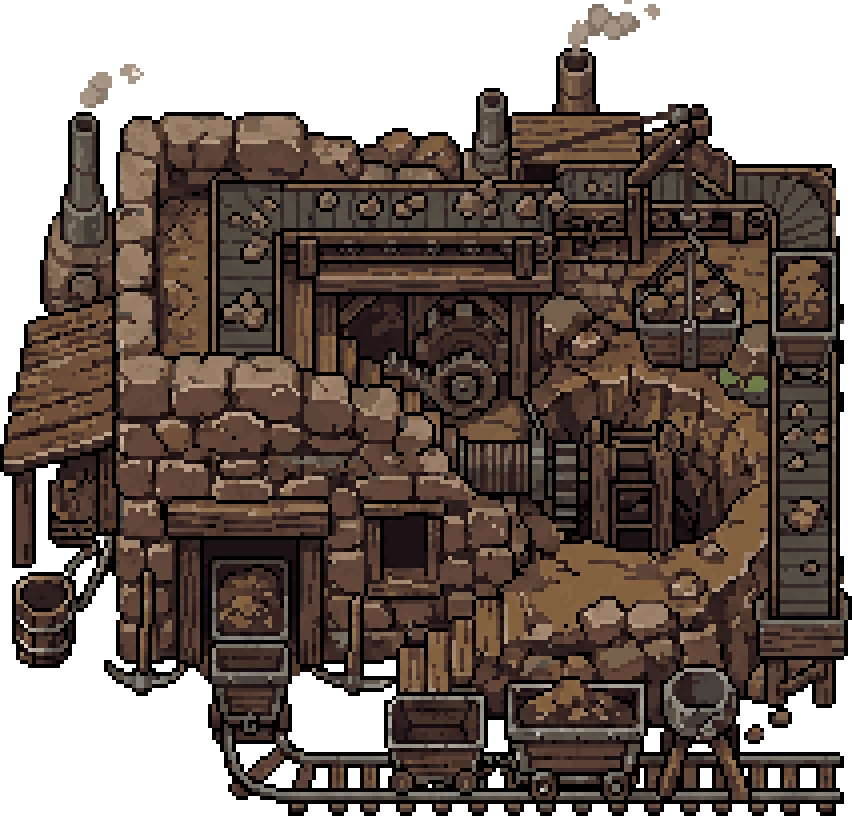 The quarry 3
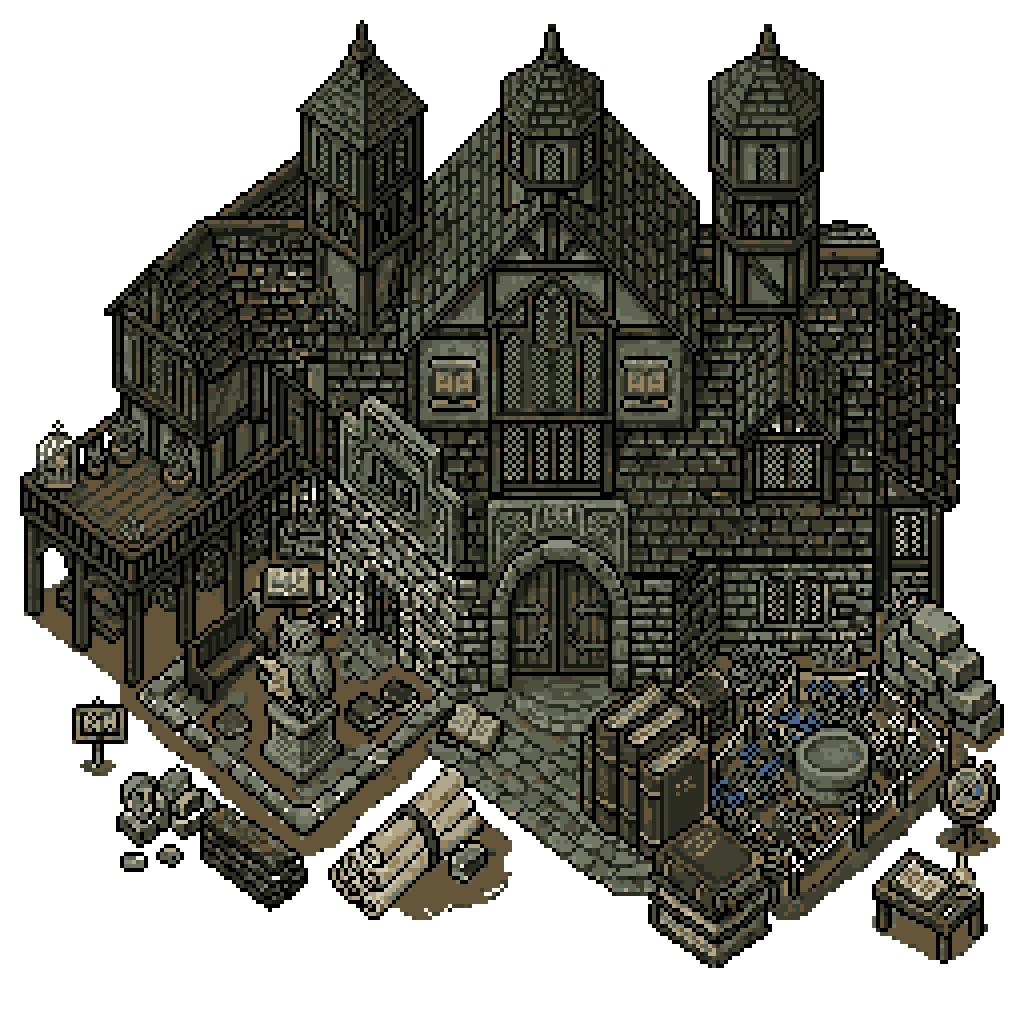 The library 5
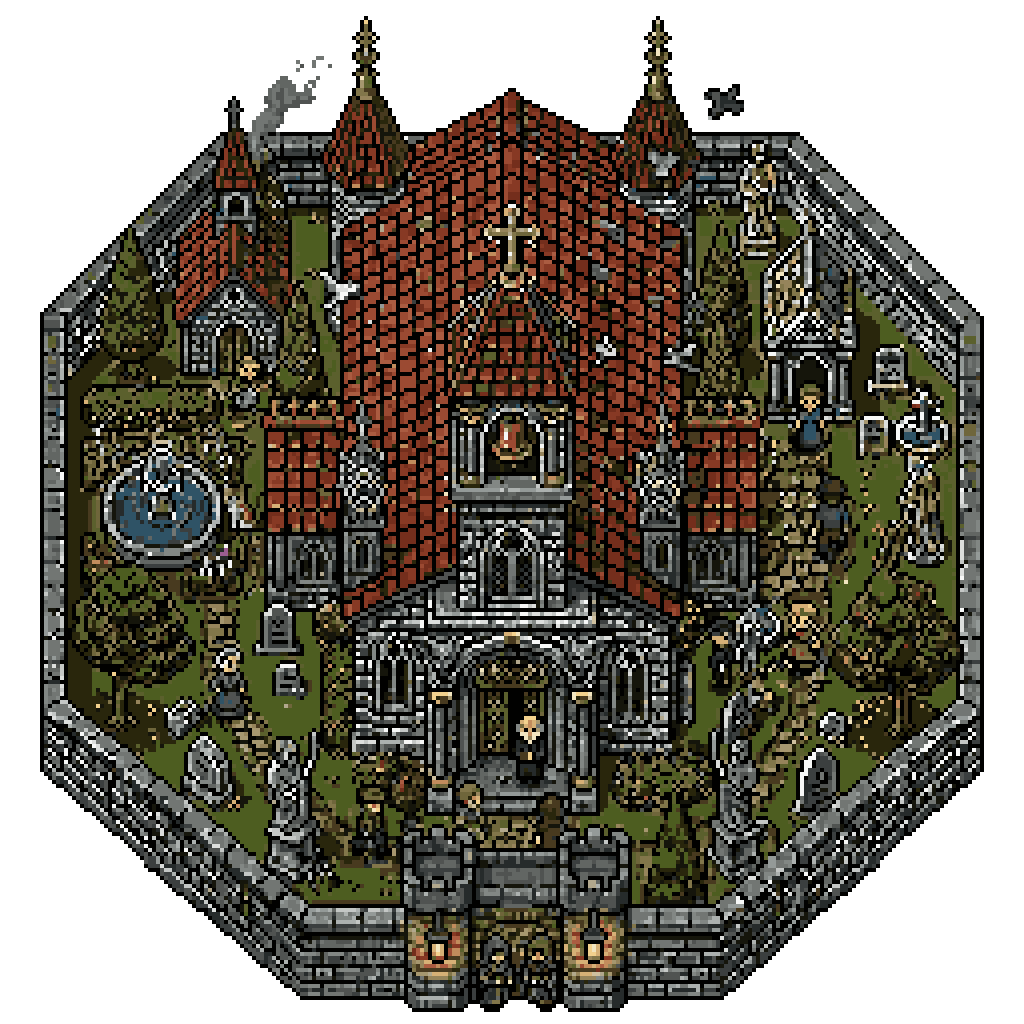 The chapel 5
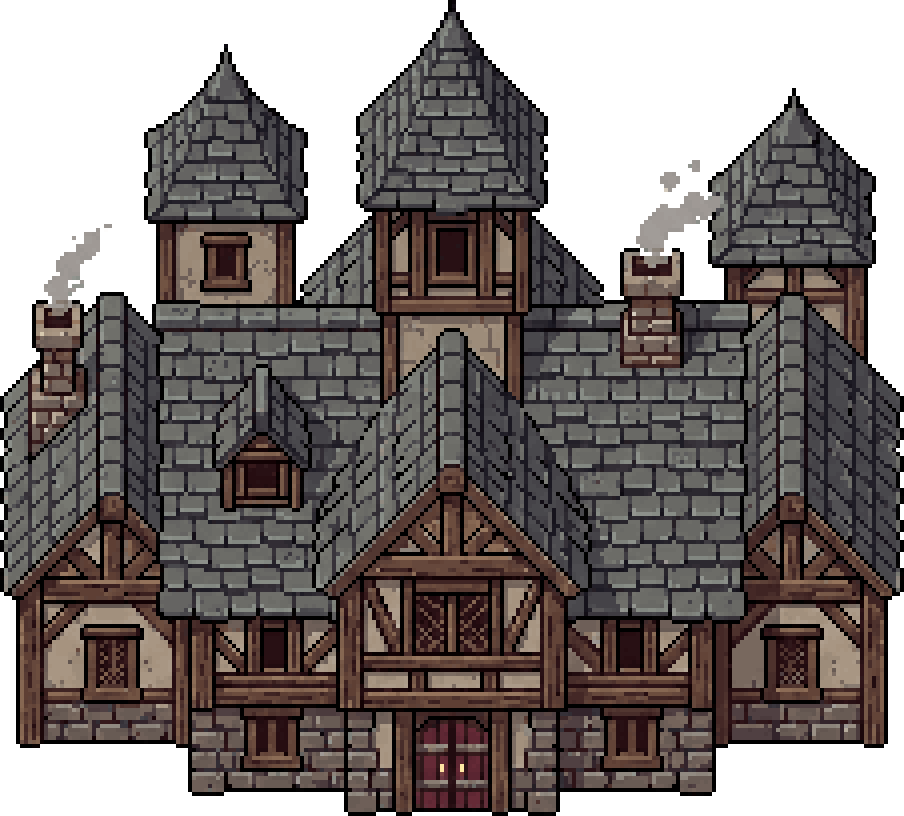 The town hall 5
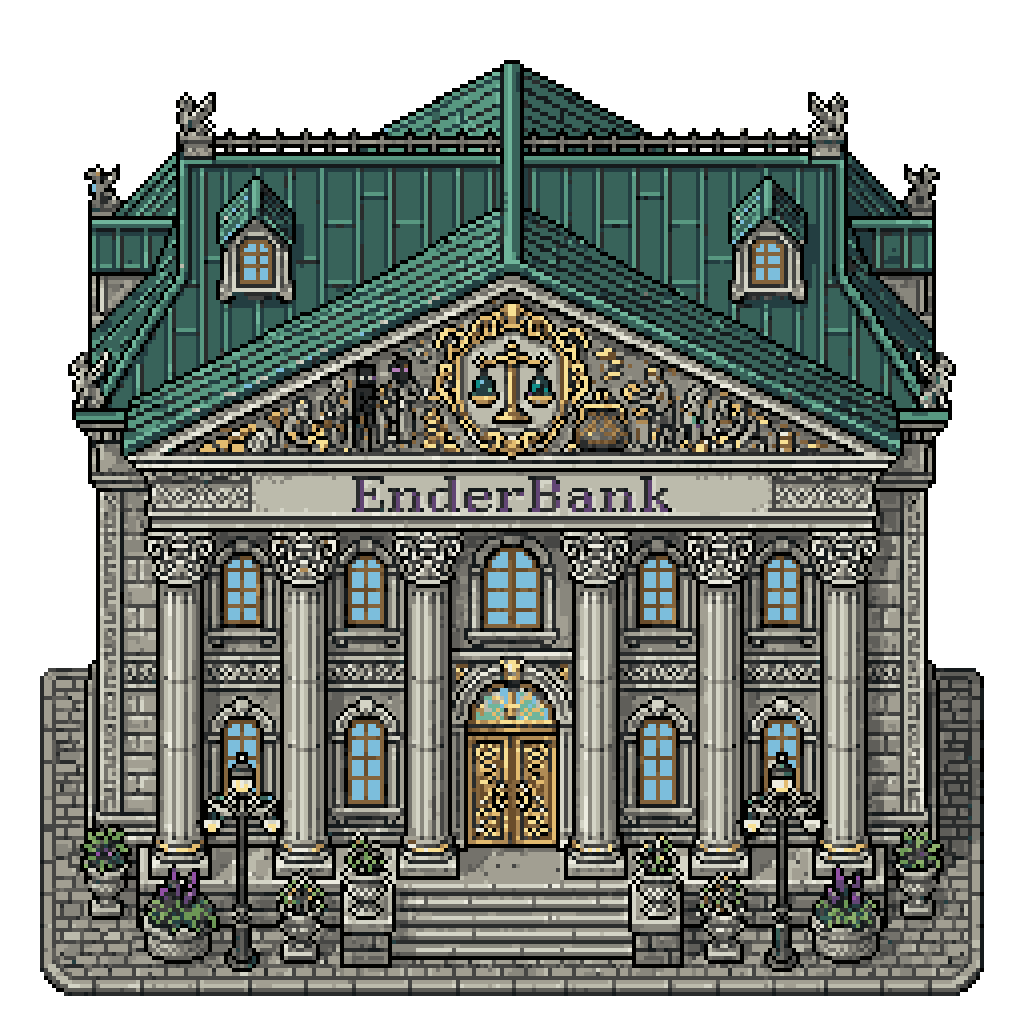 The bank 1
Placing and upgrading are ruled by rank: the six ranks do not grant the same rights on the island, and a member without the right sees the scene without touching it.
- The island crafts nothing. The crafting trades were removed from the village, and what the organization owns stays in the bank rather than in a workshop.
The village worksite
The seven buildings go up level by level, each with its own bill in raw resources. The deepest ones reach level five.
 The town hall commands the rest. No building goes past its level: raising it comes before the whole worksite.
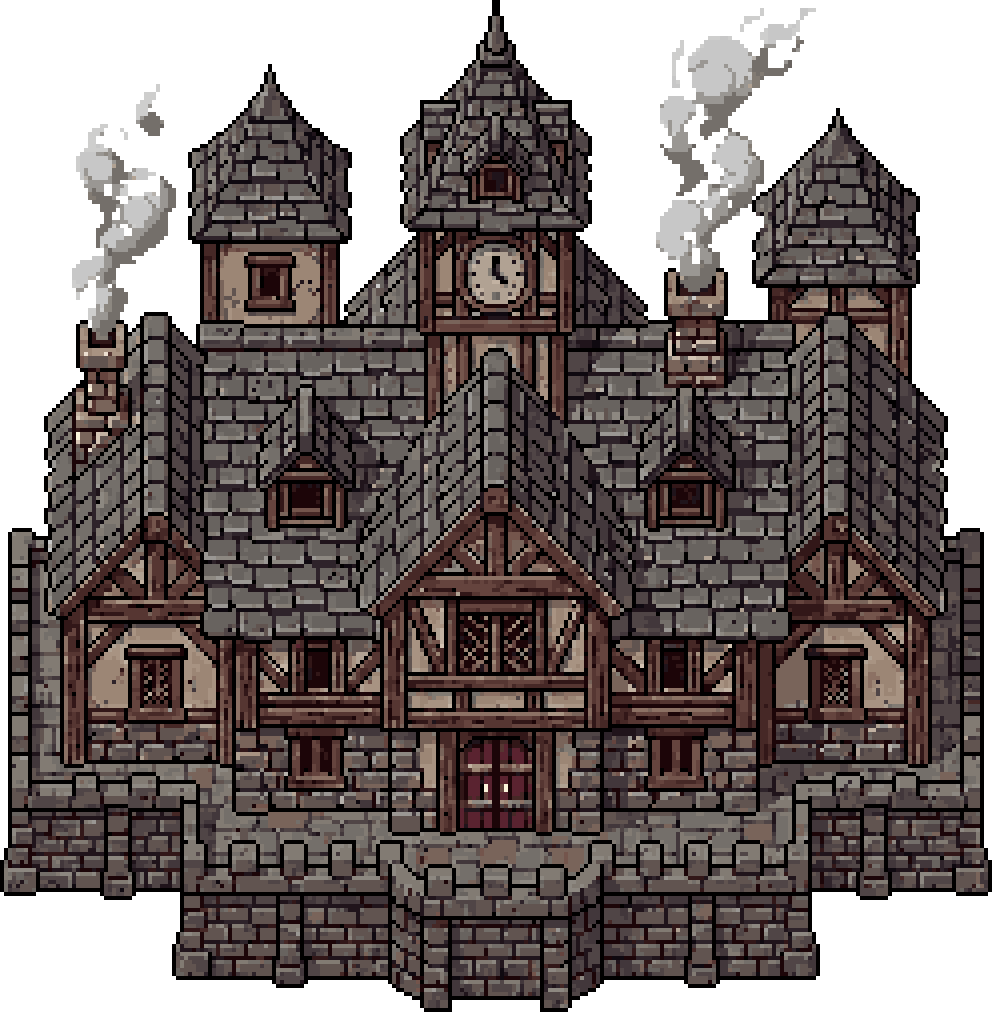 A level is never decorative. It opens one more bonus to fill, and the village carries nineteen of them in total.
What each building touches
Of the seven village buildings, five carry bonuses and the others provide a service. Here is what each one acts on.
| Building | Harvest | Mana | Essences | Vault | Ceiling |
|---|---|---|---|---|---|
| The mineMining criticals: rate and value. | ✓ | · | · | · | · |
| The sawmillWoodcutting criticals. | ✓ | · | · | · | · |
| The quarryQuarry criticals. | ✓ | · | · | · | · |
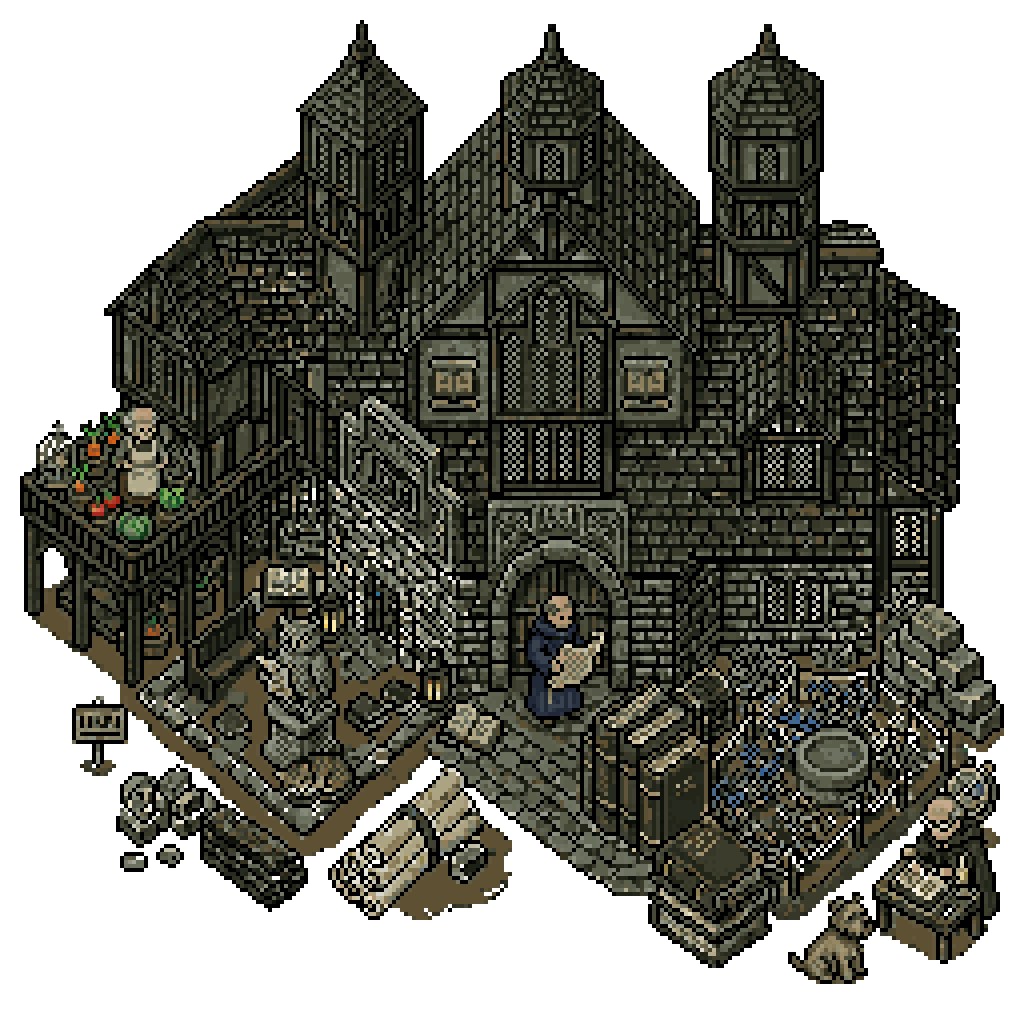 The libraryCard essences, one more bonus per level. The libraryCard essences, one more bonus per level. | · | · | ✓ | · | · |
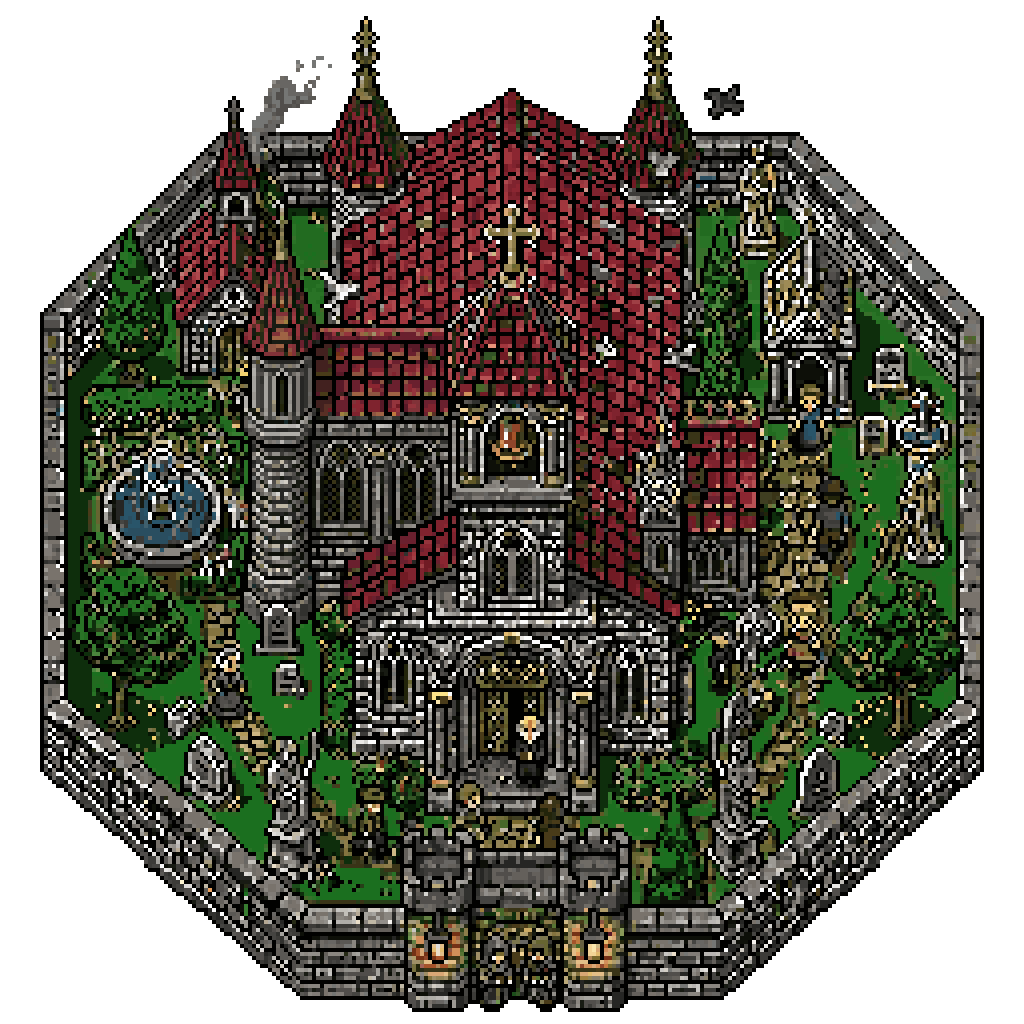 The chapelMana returned per hour, one more bonus per level. The chapelMana returned per hour, one more bonus per level. | · | ✓ | · | · | · |
| The town hallCarries no bonus: it caps the others. | · | · | · | · | ✓ |
| The bankCarries no bonus: it holds the shared resources. | · | · | · | ✓ | · |
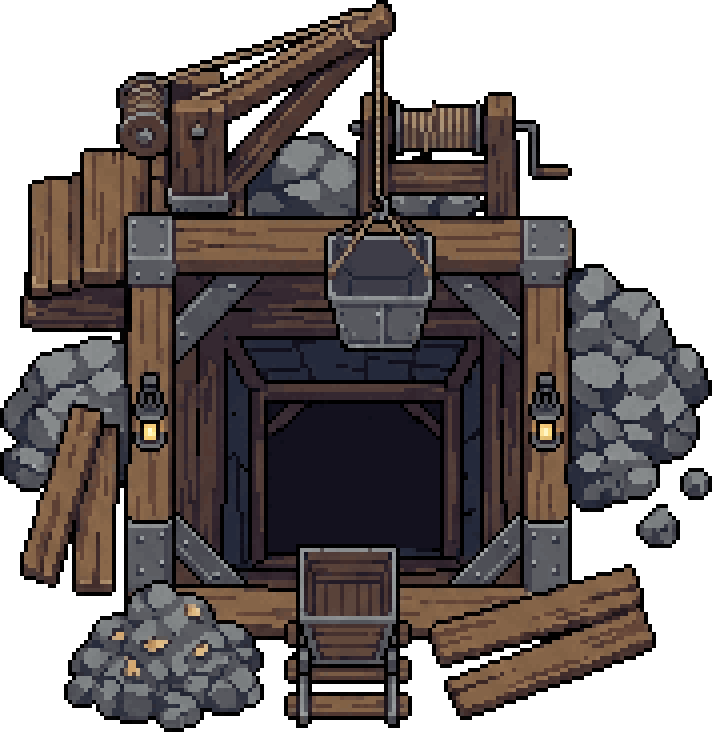 Nothing here produces a resource. The village multiplies what its members already gather on their own: with no activity behind it, a full gauge returns nothing.
What a bonus point costs
A bonus is never bought, it is filled: its value follows 3 × (paid in ÷ threshold) to the power 0,4.
The threshold is not the same everywhere. It ranges from 25M to 2G depending on the bonus, and that alone decides the price of a point.
- Not every bonus has a ceiling. 3 of them keep climbing as long as the village pays in, the others stop at their maximum.
Filling a gauge, step by step
Every bonus reads as five steps up to its ceiling. Taking a chapel gauge all the way asks for 44.7G of resources.
The end of a gauge is brutally expensive. Whether a bonus caps at 100 points or at 33, it fills fast at first and drags at the end: opening a fresh gauge returns more than finishing the one you hold.
Who is allowed what
The command is shared across six ranks, from the member who pays in to the leader who decides.
| Rank | Invite | Moderate | Configure | Tags | Disband |
|---|---|---|---|---|---|
| The leaderrenames, hands over the rank and disbands | ✓ | ✓ | ✓ | ✓ | ✓ |
| The secondmanages the organization tags | ✓ | ✓ | ✓ | ✓ | · |
| The administratorbanner, tax, buildings and vault | ✓ | ✓ | ✓ | · | · |
| The moderatorkicks, promotes and demotes | ✓ | ✓ | · | · | · |
| The recruiterinvites and handles join requests | ✓ | · | · | · | · |
| The memberpays in, deposits and pulls back their own stake | · | · | · | · | · |
The shared vault
The vault opens with the bank. What goes in can be taxed up to 100 percent of every deposit.
- the bank has to be built
- from zero to 100 percent, set by an administrator
- administrator, or holder of the alchemist or toolsmith role
- never more than your own invested share
- the affected buildings are recomputed
- Pulling a stake back is not neutral. A reclaimed investment is deducted from the gauges, and a building that falls under its cost drops a level.
The commands
Manage your organizations
<name>The name of the organization you want to create
<resource>The resource you want to invest<amount>The amount of resources to invest
announcebankbrowseconfiguredisbandinformationinventoryinvestlistinviteislandjoinlogsmembermenuquitrequestrolessecuritizedtagstopwithdraw