Collects every finished brew
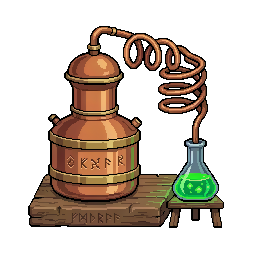
Alembic
The Alembic brews the potions and elixirs that boost your activities for a limited time. It works in slots and keeps your finished brews until you come and collect them. Six subcommands, all tied to the same concept.
Slash + prefix
Account required
Also:
>alembic/alembic>brewUse it 6
Click a line to copy it, then paste it in Discord.
Your mastery, preparation by preparation
Upgrades the alembic to the next level
The alembic's status: brews running, free slots, reachable recipes
Starts a brew in a free slot Asks for confirmation
- recipe
- The recipe to brew.
- quantity
- How many batches to brew.
- all
- Starts the most your resources allow.
- category
- Narrows the catalogue to one kind of preparation.
- confirm
- Skips the preview and starts right away.
- spread
- Spread the batch over every free slot, or pack it into the fewest
Cancels a running brew and gives back half of the resources
- slot
- The number of the slot to free.
name required name optional Hover an argument to spot it in the line.
An argument in square brackets is optional, one in angle brackets is required. confirm comes back on the one subcommand that spends something, and on it alone: it is the word you type to skip the confirmation screen.
Examples
What a player types, and what it does.
You
>brewstarts a brew in a free slot>brew low_mining_potion>brew low_productivity_potion 3 confirm>alembic claimcollects every finished brew>brew low_fire_potion 2 confirmstarts a brew in a free slot>alembic cancel 1cancels a running brew and gives back half of the resources>alembic masteryyour mastery, preparation by preparation>alembic upgradeupgrades the alembic to the next level
Good to know
- 1 Potions are consumables with a limited duration: you brew them ahead of time, not the moment you need one.
- 2 Like the other stations, the alembic works in slots, one at first, four at level 15, and keeps its finished brews until you come and collect them.
- 3 category narrows the catalogue when it grows long, and mastery tells you what each preparation has already earned you.
See also
Nearby commands
 >alchemytableManage your Alchemy Table: convert resources instantly
 >catalystEssence reforge
 >craftingtableManage your Crafting Table: craft tools and equipment >enchantBrowse your enchantment books and enchant your tools
 >furnaceManage your Furnace: smelt ores into ingots and alloys
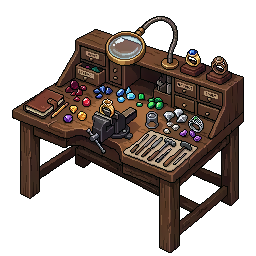 >jewelerManage your Jeweler station
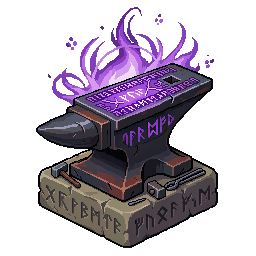 >runicUse rune currencies to manipulate tool modifiers at the Runic Anvil
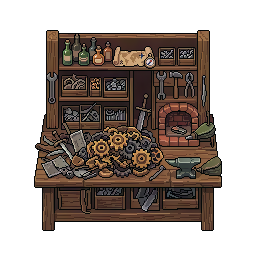 >salvageSalvage a tool to recover a fraction of its crafting resources
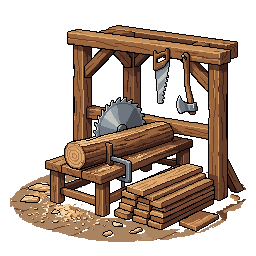 >sawmillManage your Sawmill: saw raw wood into planks >stationView all your crafting stations and their levels
 >temperEnhance, repair or enchant your tools at the Temper Forge
What it opens