Previews, then confirms a salvage Asks for confirmation
- id
- The tool or tools to salvage.
- confirm
- Skips the preview and salvages right away.
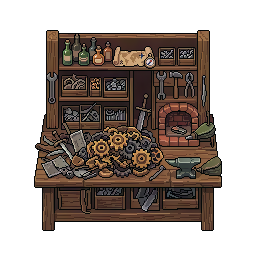
Salvages a tool to get back part of its crafting resources. A preview always shows before you confirm, and mass salvaging spares by default everything you care about. One subcommands, all tied to the same concept.
>salvage/salvageClick a line to copy it, then paste it in Discord.
Previews, then confirms a salvage Asks for confirmation
An argument in square brackets is optional, one in angle brackets is required. confirm comes back on the one subcommand that spends something, and on it alone: it is the word you type to skip the confirmation screen.
What a player types, and what it does.
>salvage 127 >salvage 127 128 129 >salvage all common >salvage all pickaxe confirm >salvage all common confirm 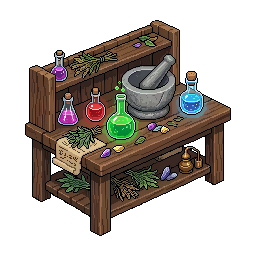 >alchemytableManage your Alchemy Table: convert resources instantly
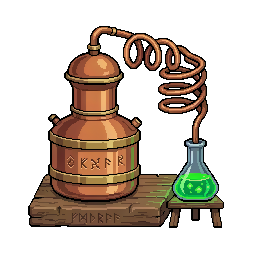 >alembicManage your Alembic: brew potions and elixirs
 >catalystEssence reforge
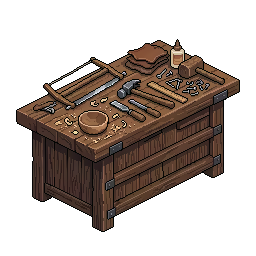 >craftingtableManage your Crafting Table: craft tools and equipment >enchantBrowse your enchantment books and enchant your tools
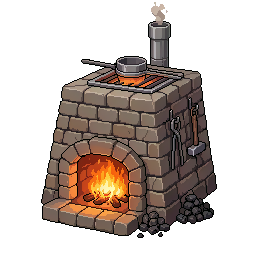 >furnaceManage your Furnace: smelt ores into ingots and alloys
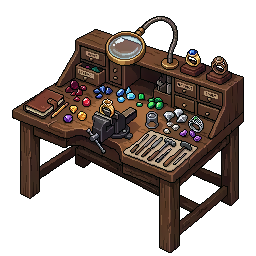 >jewelerManage your Jeweler station
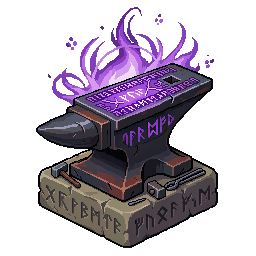 >runicUse rune currencies to manipulate tool modifiers at the Runic Anvil
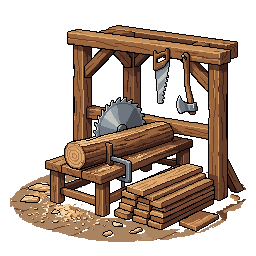 >sawmillManage your Sawmill: saw raw wood into planks >stationView all your crafting stations and their levels
 >temperEnhance, repair or enchant your tools at the Temper Forge