
The lootbox types that exist and how many you own
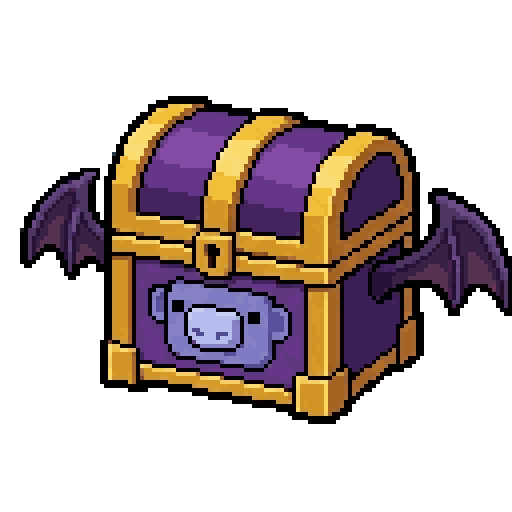
Lootbox
Opens the chests you have picked up, or shows what they hold first. A lootbox stacks in your inventory like any resource, and each type has its own loot table you can read before opening. Three subcommands, all tied to the same concept.
Slash + prefix
Account required
Captcha
Also:
>lootbox/lootbox>lbUse it 3
Click a line to copy it, then paste it in Discord.
Opens one or more lootboxes
- lootbox
- The type of lootbox to open.
- quantity
- How many to open.
- all
- Opens your whole stock of that type.
A lootbox type's loot table, before you open it
- lootbox
- The lootbox type whose rewards you want to see.
name required name optional Hover an argument to spot it in the line.
An argument in square brackets is optional, one in angle brackets is required.
Examples
What a player types, and what it does.
You
>lb listthe lootbox types that exist and how many you own>lb rewards nitro_lootboxa lootbox type's loot table, before you open it>lb open nitro_lootbox 3opens one or more lootboxes>lb open voters_cache all
Good to know
- 1 A lootbox is a resource like any other: it stacks in your inventory and opens whenever you want.
- 2 Each type has its own loot table, which >lb rewards shows before you open anything.
- 3 The all keyword opens your whole stock of that type in one go.
See also
Nearby commands
 >adventureView the adventure map and zones
 >cooldownsDisplay your current cooldowns >dailyClaim your daily reward >hourlyClaim your hourly reward
 >macroSave and run command chains
 >moveMove to a different area
 >profileDisplay your profile
 >reputationView your reputation and give reputation points to other players
 >shrineStart a shrine ritual for 4 hours and get rewards. If you come after 5 hours, you break it.
 >spellCast spells using Dark Mana
 >topDisplay the various game leaderboards
 >tradeTrade resources or unique items with other players
 >treasureCompete globally to try to claim a treasure chest